POWR POS overview
See how the platform brings checkout, ordering, back office tools, reporting, and connected payments into one POS workflow.

Choose POWR POS or KwickPOS for connected payments, ordering, inventory, kitchen workflows, online sales, loyalty, reporting, and multi-location control.
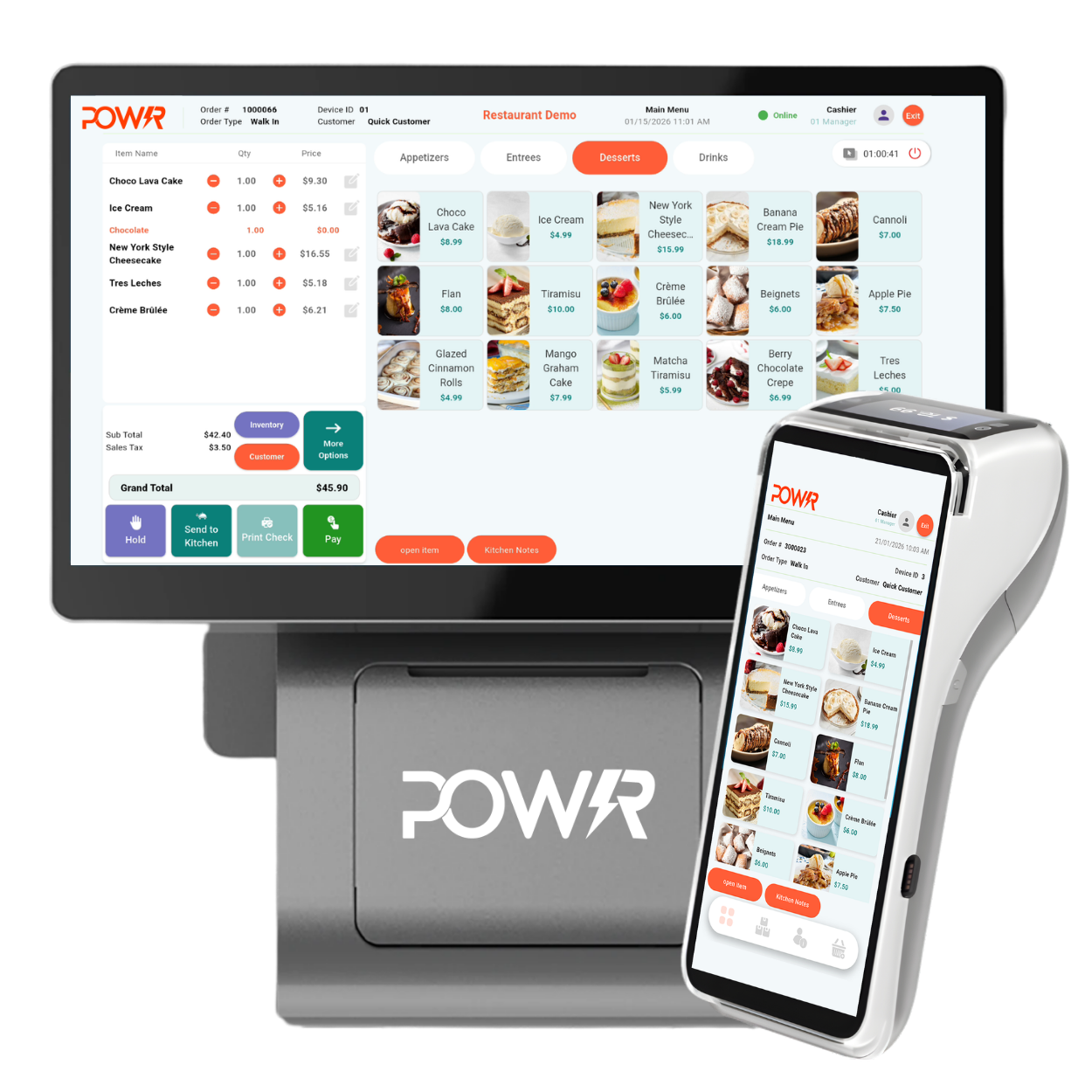
Use this quick video to get a feel for the system before comparing hardware, ordering, reporting, and payment setup options.
See how the platform brings checkout, ordering, back office tools, reporting, and connected payments into one POS workflow.
Peak Pay now supports both POWR POS and KwickPOS, so we can match the system to your restaurant, retail, service, or multi-location workflow.
Quick keys, modifiers, tipping, split checks, tabs, barcode scanning, refunds, and receipts.
Update products, pricing, menus, ingredients, stock levels, taxes, and discounts from the cloud.
Send orders to the correct station, replace paper tickets, and keep front and back of house in sync.
Manage in-store and online orders together and connect supported delivery services.
Reward repeat customers, issue gift cards, collect feedback, and send targeted offers.
Control permissions, track shifts and performance, and see real-time sales and inventory reports.
KwickPOS adds a restaurant-first option with cloud access, true offline operation, flexible hardware, and support for dine-in, quick service, takeout, delivery, and multi-location operators.
Manage the business from the cloud while keeping service moving during internet interruptions.
Check sales, menus, employees, and location performance from a browser or connected device.
Support table service, quick service, bars, breweries, pizza, cafes, bakeries, food trucks, and retail hybrids.
Add online ordering, QR table ordering, wait list and reservation tools, gift cards, loyalty, and customer review prompts.
Oversee menus, pricing, staff, reporting, and operational changes across several locations from one platform.
KwickPOS is built for processor flexibility, and Peak Pay can pair the POS with the right payment setup.
Build the system around the counter, dining room, kitchen, drive-through, pickup window, food truck, or multi-location operation.
Compact all-in-one station with a built-in thermal printer for tight counters, food trucks, and smaller footprints.
Sleek terminal with a dual-screen option for customer order verification, payments, and modern front-counter presentation.
Professional-grade terminal for high-volume restaurants and retail environments with a larger touchscreen and integrated reader.
Let guests browse the menu, customize items, pay independently, and send orders directly into the workflow.
Route orders to the kitchen in real time, reduce paper tickets, and keep prep stations focused on what is next.
Equip servers with tableside ordering and payment tools to speed up service and reduce trips back to the terminal.
Support front-of-house flow with host station tools for seating, wait list, reservations, and guest management.
Connect phone orders to customer records for faster repeat ordering, better takeout flow, and cleaner service history.
Use browser-friendly and tablet-based setups where lighter, flexible, or mobile station placement makes sense.
Log in from anywhere to manage products, menus, inventory, employees, and every location.

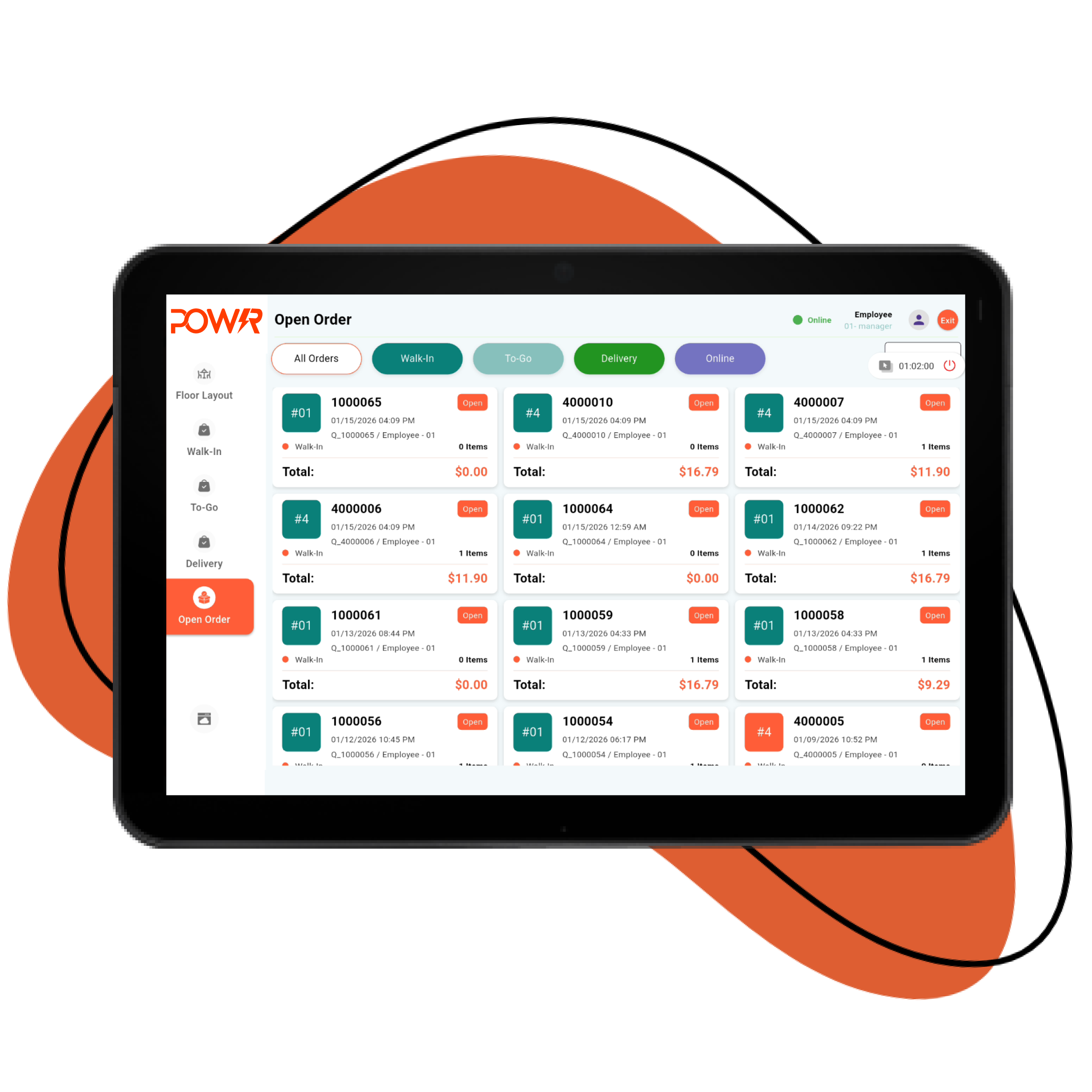
Orders appear instantly at the right prep station, so employees can see what is next and managers can track completion.
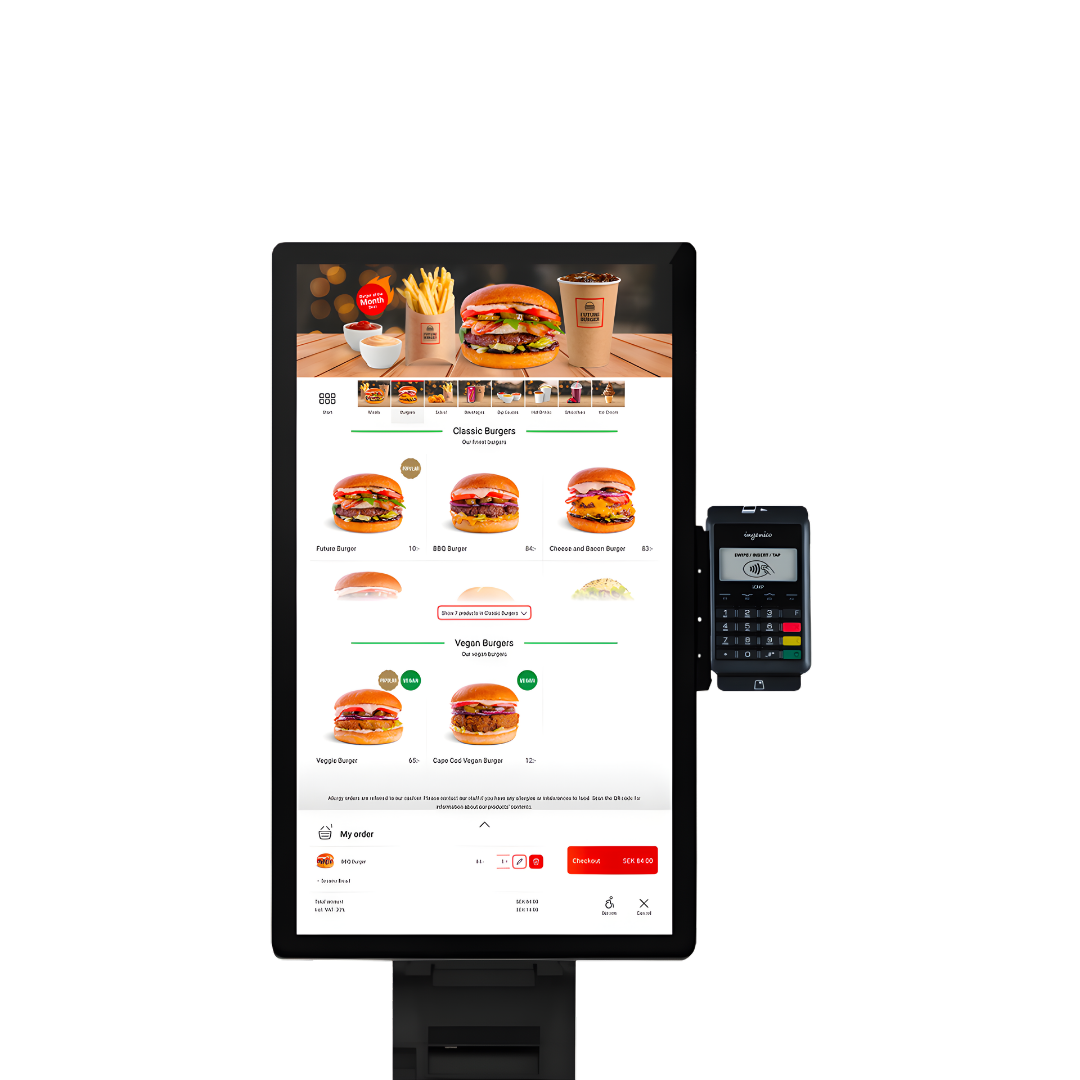
Customers can browse, customize, pay, and send the order directly into your workflow.
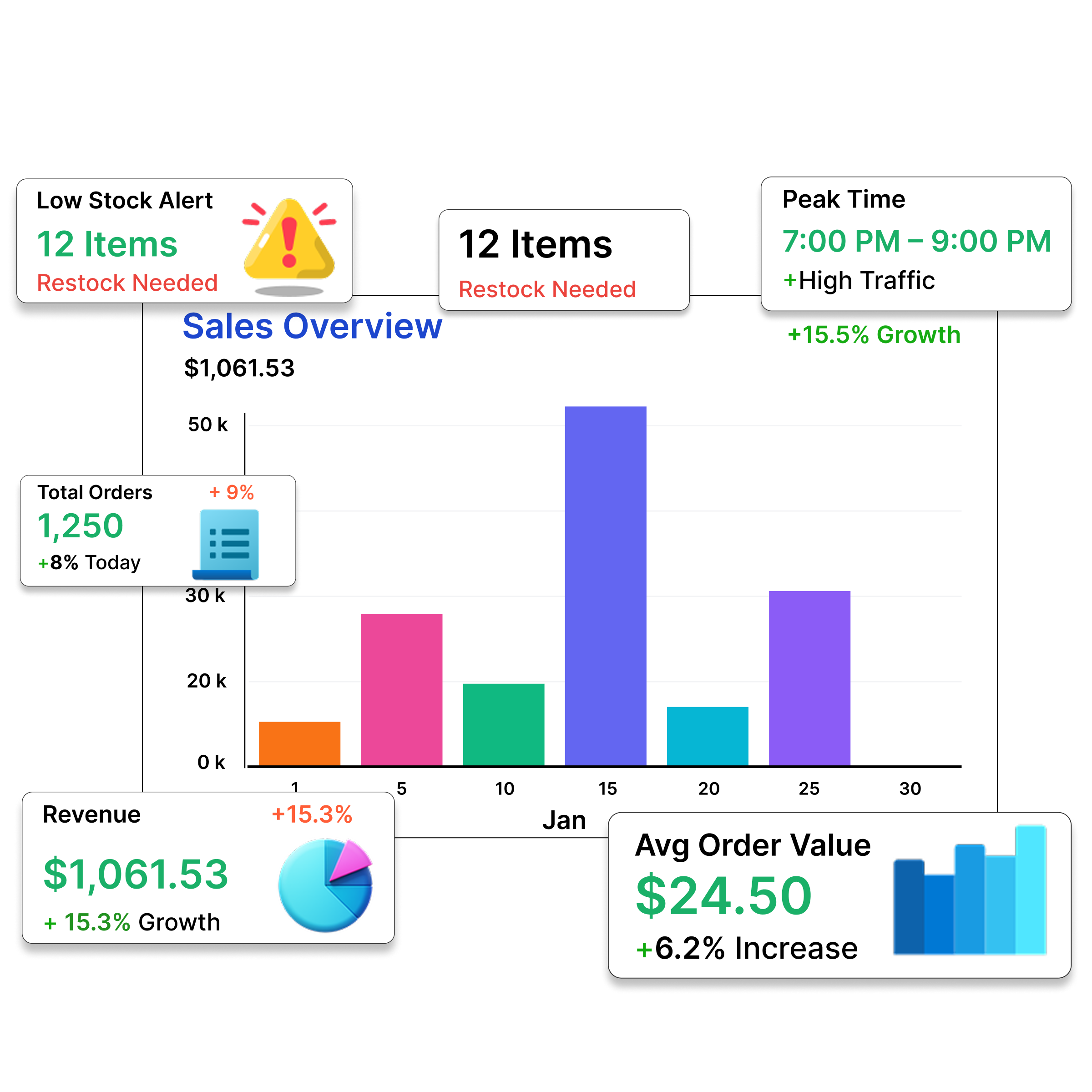
Use live reports to compare locations, monitor labor, spot inventory issues, and make faster decisions.
Choose the POWR POS or KwickPOS hardware and features you need now, then add more as your business grows.
Tables, courses, open tabs, bill splitting, tipping, kitchen routing, and handheld ordering.
Fast screens, modifiers, counter service, online orders, kiosks, loyalty, and drive-through workflows.
Open tabs, mobile checkout, compact hardware, tipping, and reliable service in tight spaces.
Barcode scanning, product catalogs, inventory, purchase tracking, customer profiles, and promotions.
Payments, customer records, employee access, scheduling integrations, gift cards, and reporting.
Manage sales, stock, staff, pricing, and reporting across every location from one login.
We help choose the right POS platform, configure the hardware, load your menu or inventory, set up users and settings, ship the system, train your team, and provide 24/7/365 support after the sale.